
HubSpot Customization for Manufacturing: A Sales Process Guide
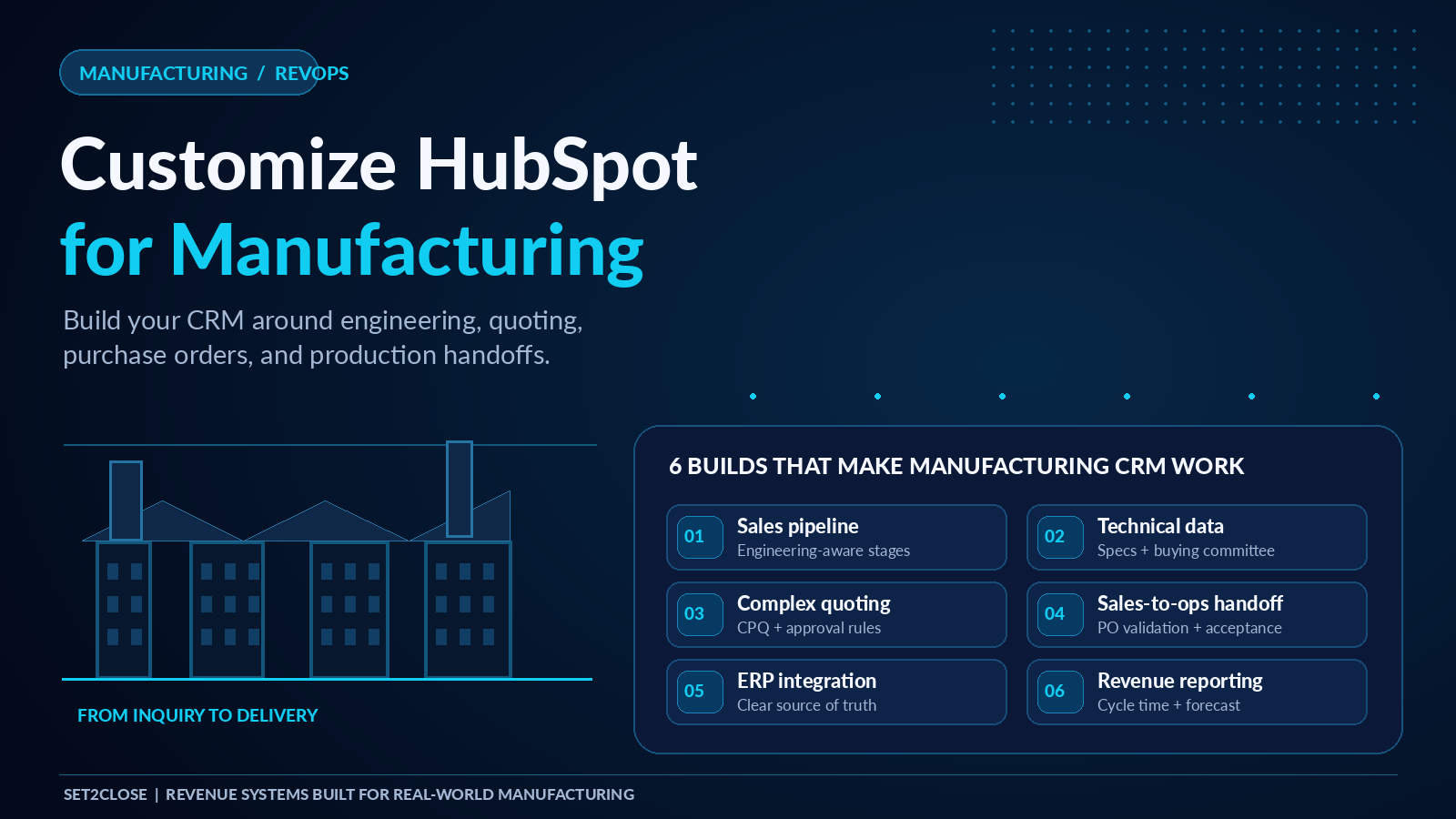
To customize HubSpot for manufacturing, rebuild six things around how you actually sell: a deal pipeline that mirrors your technical buying process, a data model that captures specifications and buying committees, a quoting setup that handles configured pricing and approvals, an automated handoff from sales to operations, an ERP sync with clear field ownership, and reporting built for long sales cycles. Default HubSpot stages and properties are built for generic B2B sales. Manufacturing revenue runs through engineering review, configured quotes, distributors, purchase orders, and production, so each of those steps needs a home in your CRM.
This guide is for manufacturing revenue and sales operations leaders modernizing on HubSpot CRM. It explains what to build, in what order, and where teams usually go wrong.
Why is manufacturing hard to run in a default HubSpot setup?
Manufacturing sales rarely fit a simple lead to close pipeline. Cycles often run for months, several stakeholders weigh in (engineering, procurement, finance, plant operations), pricing depends on specifications and volume, and the sale is not finished until an order reaches production. According to HubSpot's own manufacturing guidance, the platform is meant to handle multi contact deals, custom quote generation, and deal stages that reflect the unique steps of a manufacturing sale, but that fit only happens when someone configures it deliberately.
Without customization, the same problems show up again and again: quotes built in spreadsheets, specifications buried in email, deals marked closed won with no order created, and forecasts nobody trusts.
How should you customize HubSpot for manufacturing? Six builds
1. Build the pipeline around your real buying process
Start by tracing one representative order from first inquiry to delivery and writing down every decision and handoff. Then turn those steps into deal stages with clear exit criteria, meaning the properties that must be filled in before a deal can move forward. A starting point for a custom equipment sale might look like this:
| Stage | What must be true to advance |
|---|---|
| Qualified opportunity | Application, estimated volume, and decision timeline captured |
| Requirements and specs confirmed | Technical requirements and compliance needs recorded on the deal |
| Engineering review | Feasibility and lead time confirmed by the technical team |
| Quote issued | Approved quote sent, with an expected decision date |
| Negotiation | Pricing, terms, and delivery commitments agreed in principle |
| PO received | Purchase order number, ship to details, and requested delivery date entered |
| Handed to operations | Order accepted by operations and confirmed in the ERP |
Use separate pipelines when the motion is genuinely different, such as new equipment, parts and reorders, service contracts, and distributor deals. Mixing them in one pipeline distorts win rates and forecasts.
2. Capture technical requirements and the buying committee
Create custom properties for the data your team keeps asking for: application, material, tolerances, volume, certifications, requested lead time, and any other specification that drives pricing or feasibility. Depending on your HubSpot edition, custom objects can also model things that do not fit contacts, companies, and deals, such as plants, installed equipment, or distributor territories.
On the people side, associate every relevant stakeholder to the deal and label their role, for example engineering, procurement, finance, or plant manager. HubSpot's manufacturing page describes tracking each member of a buying committee within a single deal record, which lets reps see which relationships are warm and which are missing before a deal stalls.
3. Configure complex quoting
HubSpot's quoting is built on deals and line items. Products live in a product library, line items attach to the deal, and quotes are generated from that data. According to HubSpot's developer documentation, a CPQ quote must include line item, contact, and deal associations before it can be published, and each quote is tied to one deal. Build around these rules:
- Clean product data: standard naming, bundles, and consistent units before anyone builds a template.
- Discount rules: define what reps can discount on their own and what needs approval, by deal size, margin, or product line.
- Approval routing: send quotes outside policy to the right approver automatically, by team, region, or pipeline.
- Quote templates: consistent terms, lead times, and specifications pulled from deal properties.
If your products are highly configurable or your pricing logic outgrows native tools, add a CPQ app. HubSpot's manufacturing page lists CPQ and ERP connections such as NetSuite, DealHub, and Mobileforce CPQ in its integration lineup. Decide this early, because it changes your data model.
4. Automate the handoff from sales to operations
The handoff is where many manufacturers lose time and goodwill. A good one is triggered by a deal stage, not by someone remembering to send an email. When a deal reaches PO received:
- A workflow checks that required fields are complete (PO number, ship to address, delivery date, final quote, special terms) and flags anything missing back to the rep.
- Operations is notified and assigned a task or ticket with the deal context attached.
- The order is created or updated in the ERP.
- The deal moves to Handed to operations only when operations confirms acceptance.
- The account team keeps visibility of order status so reps can answer customers without chasing.
This replaces a manual, error prone transfer with a repeatable process and a clear record of who accepted what and when.
5. Connect the ERP and decide the source of truth
HubSpot positions itself as the system that connects the teams that grow the business while your ERP runs operations. The risk is two systems disagreeing. Before you build any sync, document which system owns each field:
- Products and base pricing: usually the ERP
- Customer and account records: decide one owner, then sync
- Quotes and deal stages: usually HubSpot
- Orders, invoices, and shipment status: usually the ERP, surfaced in HubSpot for the account team
Also plan for failed syncs: who is alerted, how records are retried, and how duplicates are prevented. HubSpot says it integrates with ERP systems including SAP, Oracle, and NetSuite through native integrations and APIs, but the integration approach matters more than the logo on the list.
6. Build reporting for long sales cycles
Monthly closed won totals tell you little when deals take months. Track the measures that reveal where cycles slow down:
- Time in stage, especially engineering review and quote approval
- Quote turnaround time from request to issued
- Win rate by pipeline, product line, and channel
- Forecast by expected close date with stage based probabilities
- Handoff time and error rate between PO received and accepted by operations
- Pipeline coverage by territory, plant, or distributor
What results do manufacturers see with HubSpot?
HubSpot reports that after 12 months, its manufacturing customers with 201 or more employees see 33% more marketing leads, a 28% reduction in time to close, and 1,076 hours saved per team. Those are vendor reported averages, so treat them as directional and set your own baseline for quote turnaround, cycle length, and handoff errors before you start.
In our own work, a sales program rebuild helped Novamen, a chemical manufacturer and distributor, reach a 40% revenue increase in 10 months. You can read the details in the Novamen case study.
What mistakes should manufacturers avoid?
- Copying a SaaS pipeline. Short stages and plan based pricing do not match engineering review and configured quotes.
- Treating the ERP as a contact sync. Orders, pricing, and inventory need a defined source of truth.
- Stopping the pipeline at closed won. If the deal ends before the order is created, forecasting and fulfillment drift apart.
- Letting distributors and direct reps collide. Without ownership and routing rules, two people work the same account.
- Customizing before cleaning data. Duplicate companies and inconsistent product names break quotes and reports.
- Skipping role based training. Reps, quoting teams, and operations each need to know their part of the flow.
How do you sequence the build?
- Map one real order end to end. Document every system, stakeholder, and handoff.
- Clean and structure the data. Fix duplicates, standardize products, and define properties.
- Build the pipeline and data model. Stages with exit criteria, specification properties, and committee roles.
- Configure quoting and approvals. Product library, templates, discount rules, and approval routing.
- Automate the handoff and connect the ERP. Workflows, notifications, and the field ownership matrix.
- Launch reporting and train by role. Dashboards, forecast views, and a post launch review.
Set2Close's average sales program takes about three months to implement, and timelines vary with ERP complexity and the number of pipelines.
How does Set2Close help manufacturers customize HubSpot?
Set2Close is a HubSpot Elite Partner, and manufacturing is one of our core verticals. Our CRM development and build out work covers pipeline and quote stage design, custom properties and objects, workflows, and integrations. Our Sales Hub implementation and Fractional Revenue Operations services keep the system governed and tuned after launch. Clutch named Set2Close a Top Consulting Company for Manufacturing in 2025.
If you are weighing partners, read our comparison of the best RevOps agencies for HubSpot manufacturers and our complete guide to manufacturing RevOps consulting.
Ready to customize HubSpot around how you actually sell?
Book a conversation with the Set2Close team. We will map one of your real revenue paths, show where quoting, handoffs, and ERP data are costing you time, and outline what to build first.
Frequently asked questions
How do you customize HubSpot for a manufacturing company?
Build a pipeline that mirrors your technical buying process, add custom properties for specifications and buying committee roles, configure quoting with approvals, automate the handoff to operations, connect your ERP with clear field ownership, and report on stage velocity. Start by mapping one real order from inquiry to delivery.
How does HubSpot handle complex quoting for manufacturers?
HubSpot generates quotes from deals using a product library and line items, with templates, e-signature, and approval workflows. Highly configurable products or advanced pricing logic may require a CPQ app, several of which integrate with HubSpot. Clean product data and defined discount rules matter more than the tool you pick.
Can HubSpot support long manufacturing sales cycles?
Yes. HubSpot supports multi contact deals, custom deal stages, and automated follow up. To make long cycles manageable, define exit criteria for each stage, track time in stage, and forecast by expected close date rather than relying on monthly closed won totals.
How do you set up a sales to operations handoff in HubSpot?
Trigger a workflow when a deal reaches a stage such as PO received. It validates required fields, notifies operations, creates a task or ticket, updates the ERP, and only moves the deal to Handed to operations once operations accepts the order. This removes manual email handoffs and creates an audit trail.
Does HubSpot integrate with manufacturing ERP systems?
HubSpot states that it integrates with ERP systems such as SAP, Oracle, and NetSuite through native integrations and APIs. Before building, define which system owns products, pricing, orders, and invoices, and plan error handling for failed syncs.
Do manufacturers need a HubSpot partner to customize the platform?
Not always, but a partner helps when you have an ERP integration, configured quoting, multiple pipelines, or distributor channels. Look for verified manufacturing references, completed ERP integrations, and a plan for who owns the system after launch.
How long does it take to customize HubSpot for manufacturing?
It depends on the number of pipelines, quote complexity, and ERP integration. HubSpot says many manufacturers become operational within a few weeks using standard onboarding, while a full customization with quoting, handoff automation, and ERP sync takes longer. Set2Close's average sales program takes about three months.